
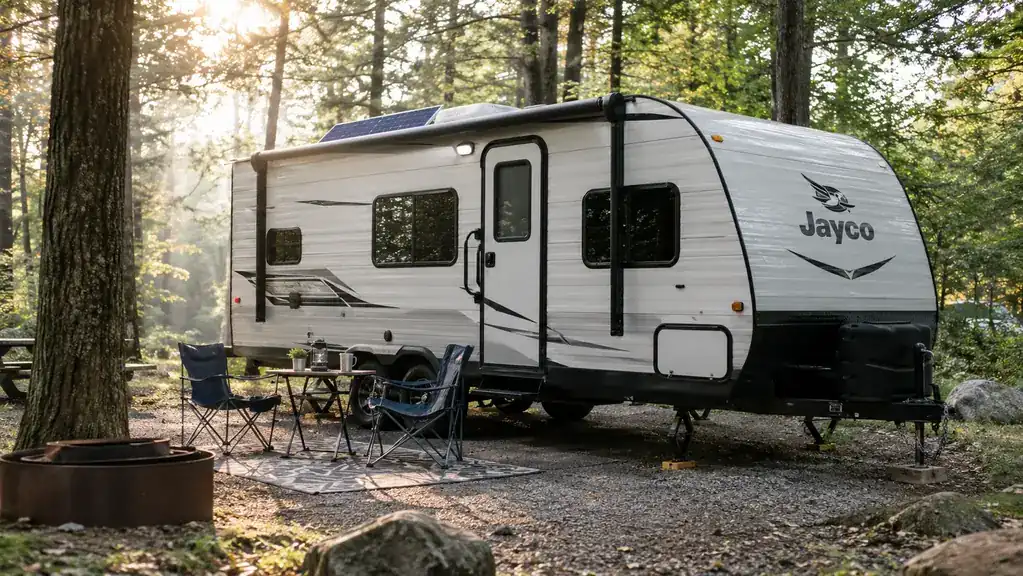
The first time I wired a charge controller into my camper, I did it backwards. Panels went on first, battery went on last, and by the time I figured out why nothing was charging, I had blown a fuse and lost a perfectly good afternoon. That was six years ago, and I have been running solar on my 21-foot travel trailer ever since. The good news is that wiring a charge controller is not hard once you understand the order of operations. The better news is that the Renogy Rover 40A MPPT Controller makes the job about as forgiving as it gets.
The mistake almost everyone makes is treating the controller like a light switch. You do not just connect things and flip it on. The controller is the traffic cop between your solar panels, your battery, and everything you plug in afterward. Wire it in the wrong order and you can shorten the life of the controller or drain your house battery on a cold night, which is exactly how I ended up with a dead battery at 11 PM in a Vermont state park. This guide walks through the order that has worked on my own rig, using the Renogy Rover 40A as the example, because it is the controller I trust enough to recommend to anyone who camps off-grid.
The controller I would wire into my own camper again
The Renogy Rover 40A MPPT Controller handles 12V and 24V systems with auto-detection, shows you what is happening on its LCD, and ships with the mounting brackets and remote temperature sensor you actually need. If you are wiring camper solar for the first time, this is the part I would start with.
Amazon Check Today's Price on Amazon →The Order That Works
Every wiring job I have done since that first blown fuse has followed the same order: battery first, solar panels second, loads last. The controller needs to see the battery before it can do anything useful, so the battery connection is the foundation everything else stands on. Work through the steps in this order and you will spend your afternoon tightening bolts instead of replacing fuses.
This guide assumes you already have your panels mounted on the roof and your battery bank in place. If you are starting from scratch, put the panels up first, run the wires down into the trailer, and then come back to this guide for the controller. The controller is the last piece of the puzzle, and wiring it in the right order is what keeps the whole system reliable.
Step 1: Know Your Battery and Size Your Wire Before You Touch Anything
Before you mount anything, you need three facts: your battery voltage, your panel voltage, and the distance between your panels and your controller. The Rover 40A is a 12V/24V controller with auto-detection, so it reads your system voltage and adjusts itself. That takes one decision off your plate, but you still need to know what you are working with so you can size the wire that connects it all.
Wire sizing is where most people get into trouble. Too small a wire and you lose power to resistance, which shows up as heat. Too big and you are just spending extra money. For a typical 21-foot trailer with panels on the roof and the controller mounted near the battery, I run a wire size that matches the current and the run length, and when I am unsure, I go one size bigger. It costs a little more and saves you from voltage drop on a cloudy day.
While you are planning, decide where the controller will live. I wanted mine close to the battery so the big cables stay short, but somewhere I could still see the LCD without crawling under the dinette. I ended up on the wall of a cabinet next to the battery box, and that spot has worked out well for six years.
You do not need a fancy tool kit. A screwdriver, a wire stripper, and a multimeter cover almost everything. I also keep a small notebook in the trailer and sketch the layout before I start, positive and negative paths drawn out, so I can see the whole system on one page before I touch a single cable. It sounds fussy. It has saved me from more than one mistake.
Step 2: Mount the Controller Where It Can Breathe
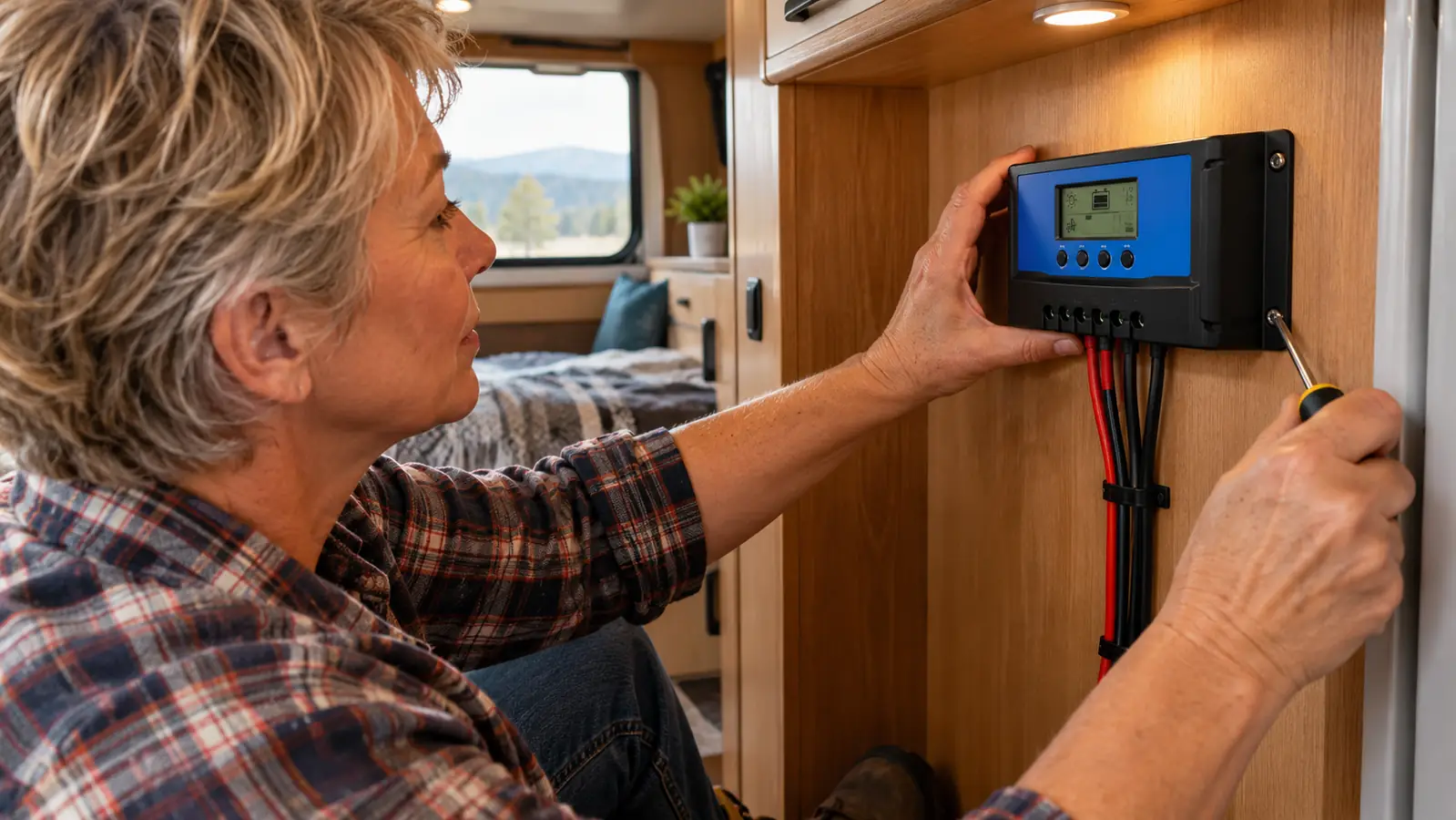
The Rover ships with four mounting brackets and an aluminum body that weighs about 1.1 kg, so it is not a heavy unit, but it does need a spot where air can move around it. The dimensions are 6.81 inches long, 2.85 inches wide, and 9.37 inches tall, which means it fits on a modest cabinet wall without taking over your storage. I marked the bracket holes with a pencil, drilled pilot holes, and had it up in about twenty minutes.
Leave a couple of inches of clearance around the aluminum body. That body is the heat sink, and a controller that cannot cool itself will not charge as well on a hot July afternoon. The Rover is rated to operate from -40°F to 149°F, so it handles a Vermont spring and a summer heat wave without complaint. I learned the hard way with my first controller, which I tucked behind a drawer and then wondered why charging slowed whenever the sun was strongest. Give the Rover room to breathe and it will do its job.
One tip from my bus mechanic years: mount it so the LCD is readable from your normal standing position. You will check this display more than you expect, especially in the first few weeks, and bending sideways to read it gets old fast. The four included brackets let you choose the orientation, so take a minute to get it right.
Step 3: Connect the Battery Before You Connect Anything Else
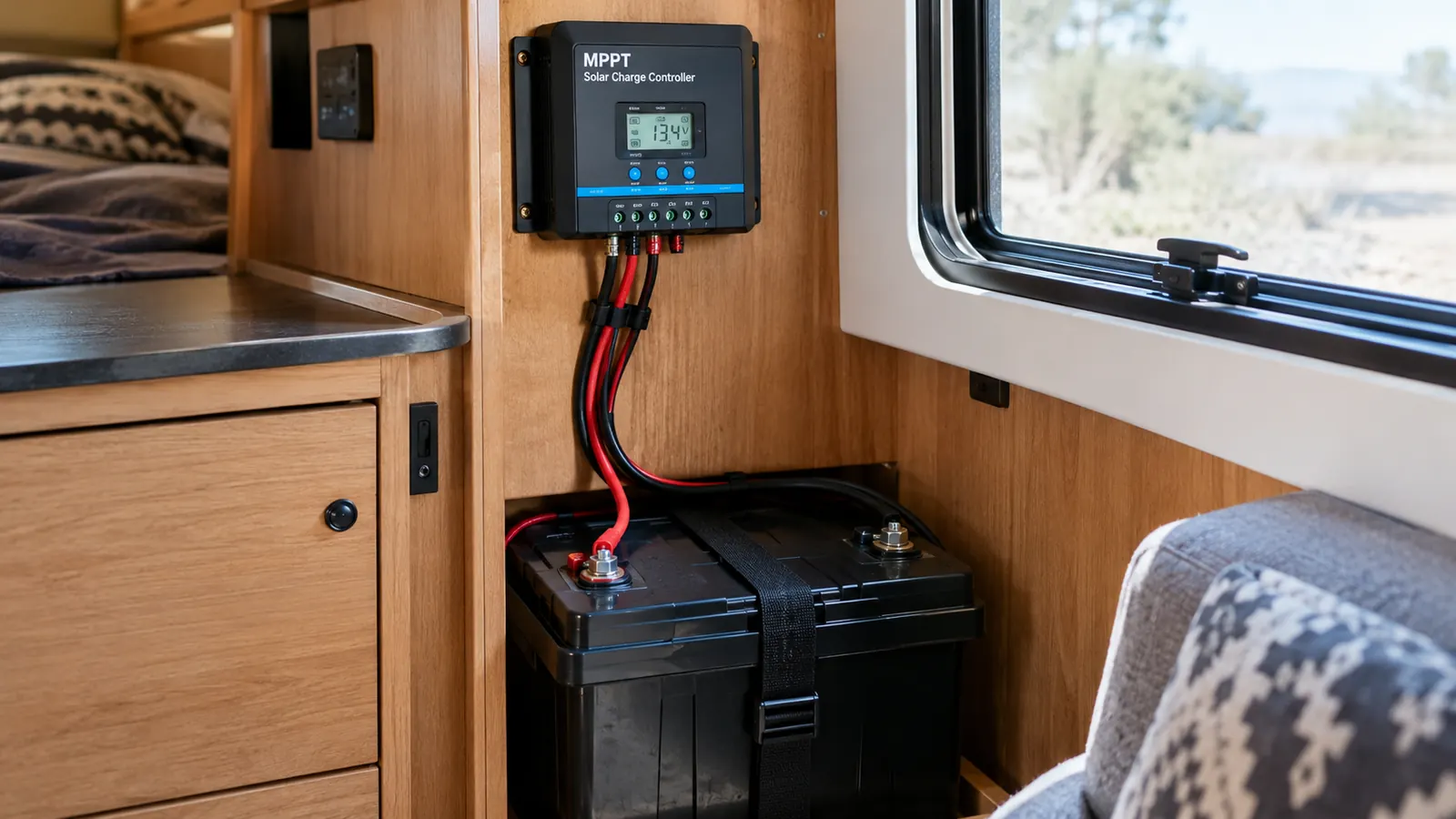
This is the step that saves controllers. Connect the battery first, then the solar panels. The Rover's 12V/24V auto-detection reads the battery when you connect it, which lets the controller set itself up correctly before any solar power arrives. Connect the positive battery cable to the positive terminal, then the negative to the negative, and double-check the polarity before you tighten anything.
I have met more than one camper who swore their controller was defective when the real problem was a reversed cable. The Rover's LCD lights up when it senses the battery, which is your first sign that everything is talking to each other. If the display stays dark, stop and check your connections before you go any further. Do not move on to the panels until the display is on.
Here is why the order is not just tradition. The controller uses the battery to determine its operating voltage, and it needs that reference before any solar current arrives. If the panels are connected first, the controller can see a confusing voltage spike and behave oddly. Connecting the battery first gives it a steady reference to work from, and the 12V/24V auto-detection does the rest.
While the battery is connected, attach the included remote temperature sensor to the battery bank. The Rover ships with it in the box, and it is the difference between charging on guesses and charging on the actual temperature of your battery. On cold Vermont mornings, that matters. The controller also has built-in low-temperature protection, which is a comfort when you are camping into October.
Step 4: Connect the Solar Panels and Check Polarity Twice
With the battery connected, you can safely bring the solar panels in. Connect the positive lead from your panels to the positive input on the controller, then the negative to the negative. The order matters less than the polarity. A reversed panel connection can damage the controller, so I check twice and tighten once. This is the habit that has kept my current controller alive for years.
Once the panels are connected, the LCD should show the panel voltage and the system should start charging. This is where the Rover's MPPT technology earns its keep. The specs say it achieves a 98% conversion rate with 99% tracking efficiency, which in plain language means it pulls the maximum power out of your panels even when the light is flat or the sky is hazy. My old PWM controller would shrug on cloudy days. The Rover keeps working.
I also run the panel cables through a drip loop before they enter the trailer, so water runs down and drops off instead of following the wire into the controller. That is a habit from my bus mechanic days, and it has saved me from corrosion more than once. It takes five extra minutes and you never have to think about it again.
Step 5: Set the Battery Type on the LCD and Verify the Charge
The Rover has a 4-stage charging algorithm and an adjustable LCD that lets you tell it what kind of battery you are running: gel, sealed, flooded, or lithium. The button sequence takes about a minute, and the controller remembers your setting after that. Set it once for your battery type and you are done. I set mine for flooded when I installed it and have not touched it since.
The 4-stage charging is worth understanding, even if you never think about it again. It means the controller adjusts how it charges based on the battery's state instead of pushing a flat charge all day. For a flooded battery like mine, that steady approach is what keeps the water levels stable and the plates healthy. The LCD shows you the charging status, so you can see the system working through its cycle.
After you set the battery type, let the system sit for a few minutes and then read the LCD. You want to see the battery voltage climbing on a sunny day, not sitting flat. On my setup, I can watch the display move up as the morning sun hits the roof panels, and by early afternoon the battery is back to full from the night before. That is the whole point of the exercise.
Then test the system the way you will actually use it. Run the small 12V fan I use for the dogs on warm afternoons, open the fridge, and leave the interior lights on for a while. If the controller holds the battery where it should be under load, you are done. If the voltage drops fast, you have a wiring or capacity problem to chase down, and it is better to find it now than on a cold night with a dead house battery.
What Else Helps
Wiring the controller is the biggest step, but a few extras make the whole system easier to live with. Fuse the battery cables close to the battery, so a short anywhere downstream blows the fuse instead of cooking a wire. Label the cables at both ends. When you are troubleshooting at dusk in the rain, labels are worth their weight in gold.
Keep the manual that comes with the Rover somewhere you can find it. The controller stores its settings, but you will want the button sequence the first time you change battery type or check an error code on the LCD. I keep mine in the same drawer as the fuses, and I have reached for it more times than I care to admit.
Finally, give yourself a full day the first time. Wiring a controller is not hard, but rushing is how cables get reversed and brackets get mounted crooked. I wired this exact controller into my trailer over the course of a long afternoon, and the only thing I would do differently is start earlier so I could finish before the mosquitoes came out.
One more thing that sold me on the Rover: it carries a 3-year material and workmanship warranty. I have only needed to use a warranty once on solar gear, and the process was painless, but knowing the controller is covered for three years took the edge off the purchase. You are putting this box between your panels and your battery, so a little warranty backing goes a long way.
The first time I wired a controller, I blew a fuse and lost an afternoon. Battery first, panels second, loads last. That order has never failed me since.
Ready to wire your camper solar the right way?
The Renogy Rover 40A MPPT Controller includes the mounting brackets, the remote temperature sensor, and the 4-stage charging you need to do the job once and do it right. It is the controller I trust in my own trailer, and it is where I would tell any friend to start.
Amazon Check Today's Price on Amazon →